
Learning Bytes
Welcome to our microlearning library, where you can learn something small today, in about the time it takes to finish your coffee. Each Byte is a short interactive lesson on one idea, drawn from the work we do with mission-based organizations, and every one of them is free and open to anyone. Some Bytes come from our own studio, and others we create with organizations we partner with.

Available Now
Every Byte here is a free microlearning course, open to anyone, with no account and no email required.
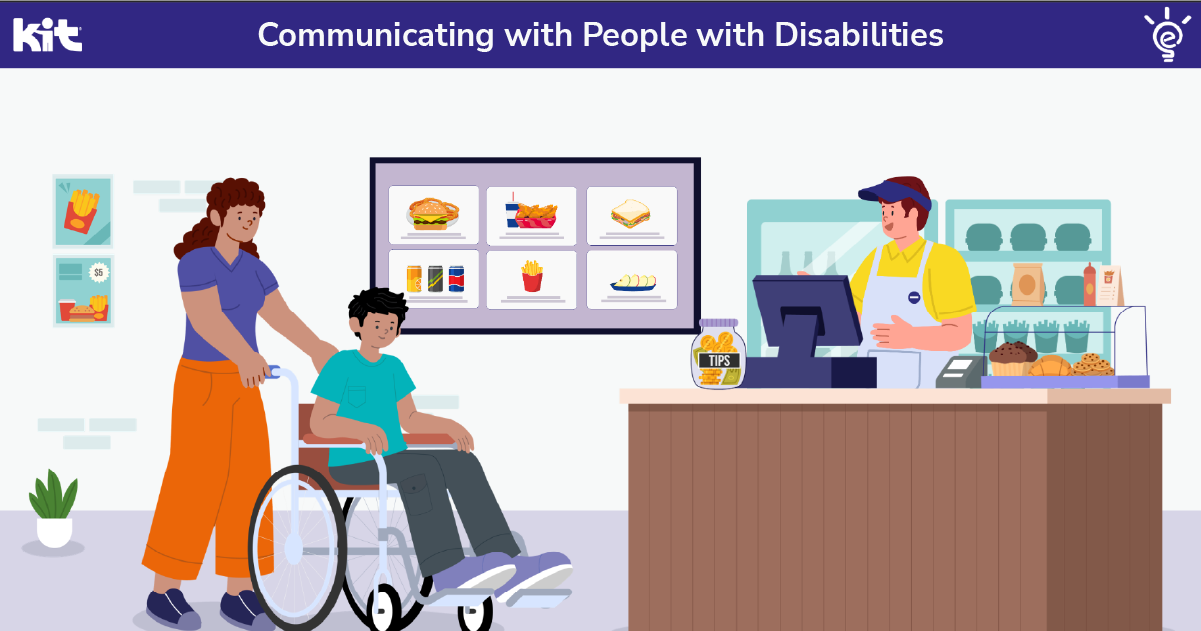
Communicating with People with Disabilities
Single Byte · 6 minutes
Most of us have been in a conversation where we wanted to be respectful and were not quite sure how to handle it. This Byte, created with Kids Included Together, covers four tips that make everyday interactions clearer and ends with an interactive scenario.
Set the Stage: Color, Contrast, and Title Slides
Byte 1 of 4 · 6 minutes
Your title slide is the first thing an audience sees, and your color palette shapes how readable every slide after it will be. This Byte covers building both, including how to check your color contrast and save a custom palette into your PowerPoint theme.
Direct the Audience: Visual Hierarchy and Keywords
Byte 2 of 4 · 5 minutes
When everything on a slide looks equally important, your audience has to work out the order on their own. This Byte covers how font sizes and weights guide the eye, and how trimming slide text down to keywords keeps attention on what you are saying.
Frame the Scene: Images and White Space
Byte 3 of 4 · 4 minutes
A crowded slide asks your audience to find the message on their own. This Byte covers how white space creates balance, where to draw the line on how much text a slide can hold, and how to choose images that carry meaning and stay accessible.
Bring It to Life: Animation and Visual Consistency
Byte 4 of 4 · 5 minutes
Animation can guide attention or pull it away, and small inconsistencies across slides add up. This Byte covers keeping a presentation visually unified and using animations and transitions with purpose, including what to consider for people who experience motion sensitivity.

Stay in the loop
Get our latest eLearning insights straight to your inbox. We share practical thinking and studio updates for the leaders guiding training at mission-based organizations.